FilmVault
Movie collector for iPhone, iPad and Mac
Every film you own, in one vault.
Catalog 4K discs, Blu-rays, DVDs and the movies you’ve bought digitally. Scan a barcode to add a title, import the collection you already keep elsewhere, and pull whole libraries straight from Kaleidescape, Kodi and Plex.
The whole vault in six minutes.
Filmed on a real shelf: scanning discs, bringing a collection over, the media servers, sharing with the household, and the packs.
Every format.
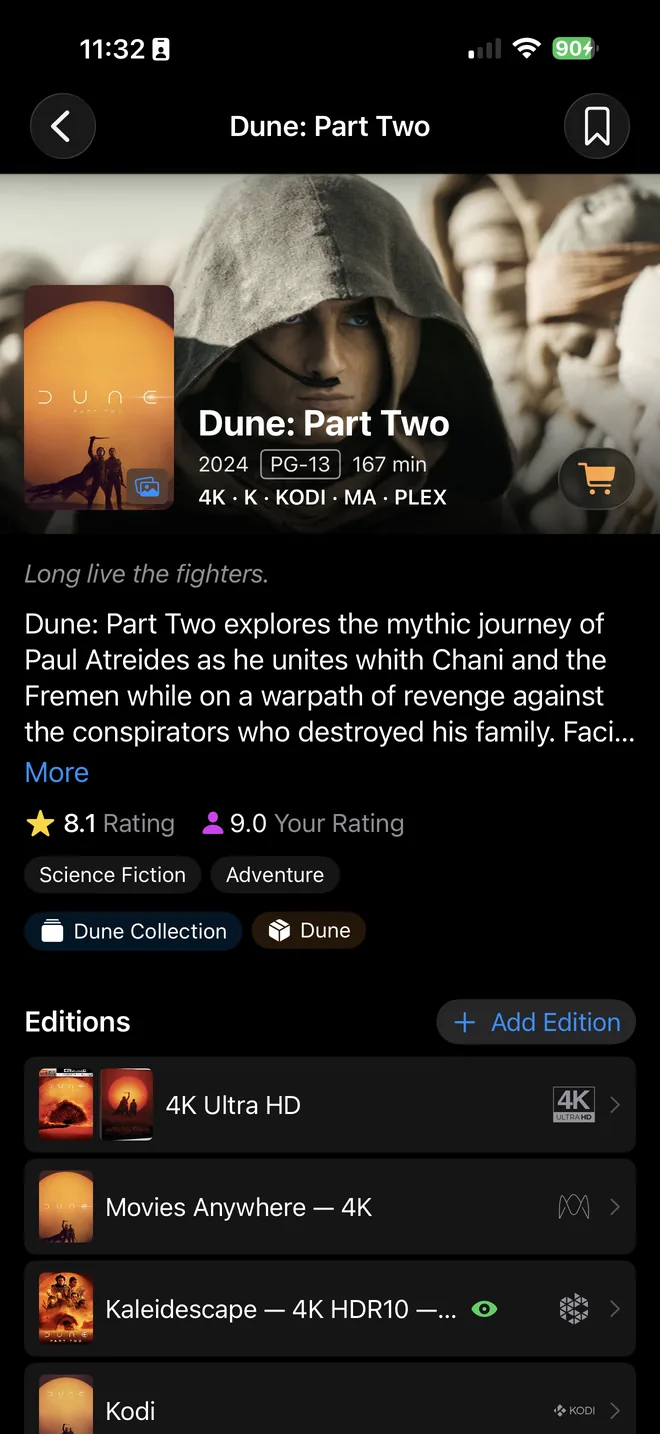
Every edition.
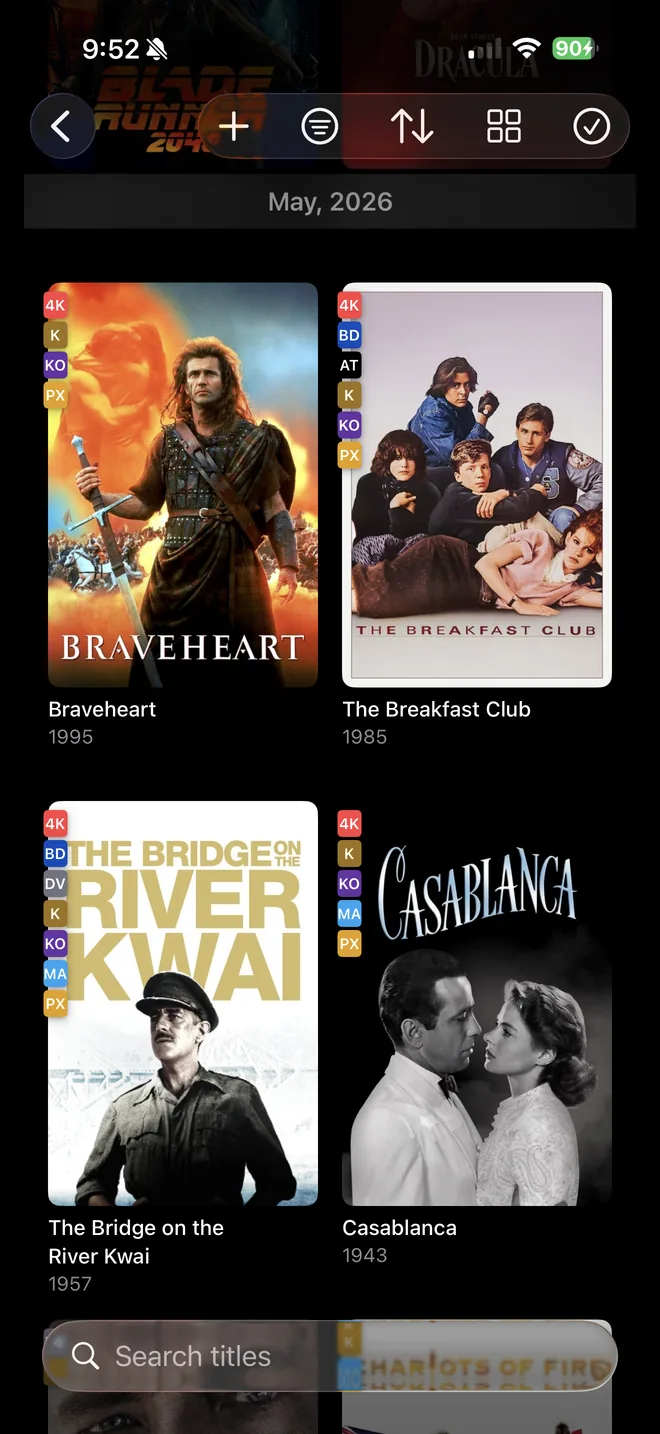
4K Ultra HD, Blu-ray, DVD, Blu-ray 3D, HD DVD, LaserDisc, VHS, and digital purchases from Apple TV, Amazon, Vudu and Movies Anywhere. One title holds every edition you own, so the Steelbook sits next to the standard release and the digital copy next to the disc.
The chips at the top of each spine are the same ones FilmVault puts on your covers.
Scan it, or bring it with you.
Point your iPhone at the barcode on a case and most discs are identified on the spot, format and edition included. On a Mac, use Continuity Camera or type the UPC. If a release is too obscure to match, FilmVault fills in the search so you only have to confirm the title.
Moving from another app?
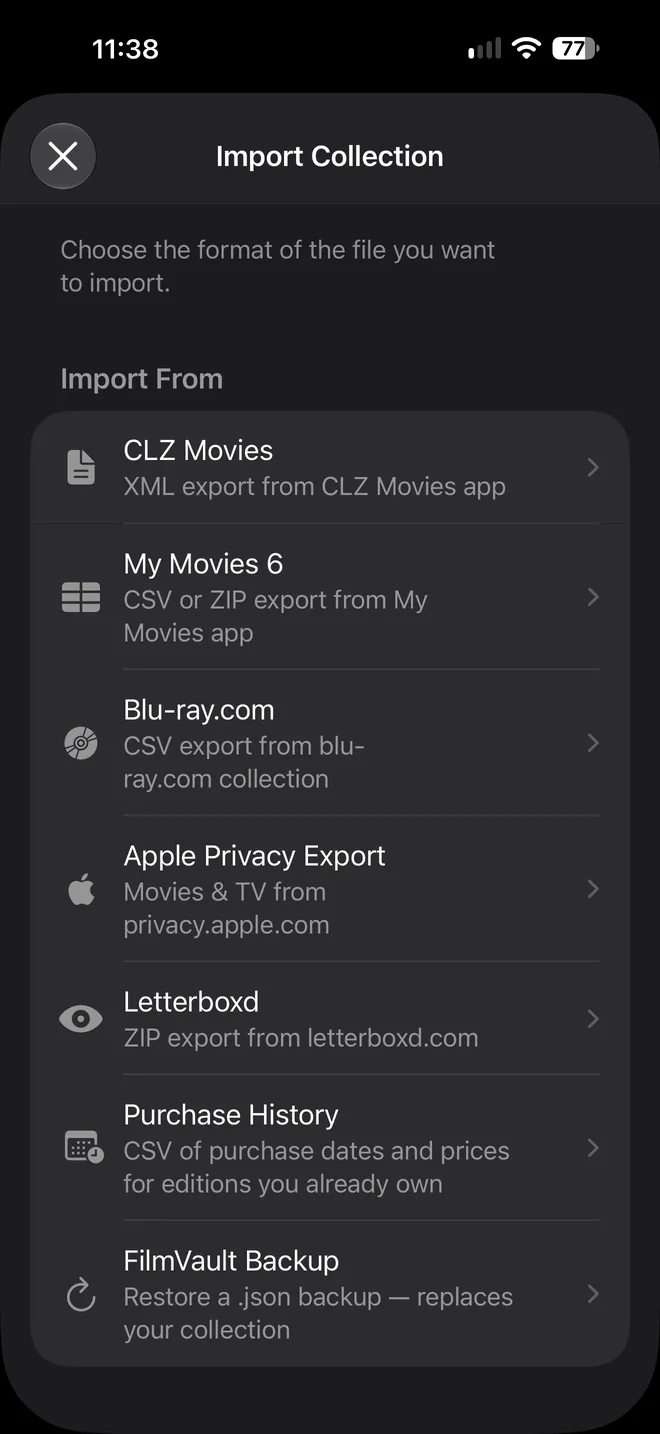
Import the collection you already keep. Letterboxd brings your ratings, diary and reviews; a purchase-history file fills in what you paid and when. Re-import whenever you like; matches never create duplicates.
- My Movies
- CLZ Movies
- Blu-ray.com
- Letterboxd
- Apple privacy export
- Purchase history CSV
- FilmVault backup
Importing is unlimited on the free tier, whatever the size of your collection. Switching apps? See how FilmVault compares with CLZ Movies and My Movies.
Your media servers, already cataloged.
FilmVault finds Kaleidescape, Kodi and Plex on your home network and reads their libraries directly: movies, and TV shows season by season. Anything you already own on disc is matched to the same title, so a film on your Kaleidescape and the 4K disc on your shelf show up as two editions of one movie.
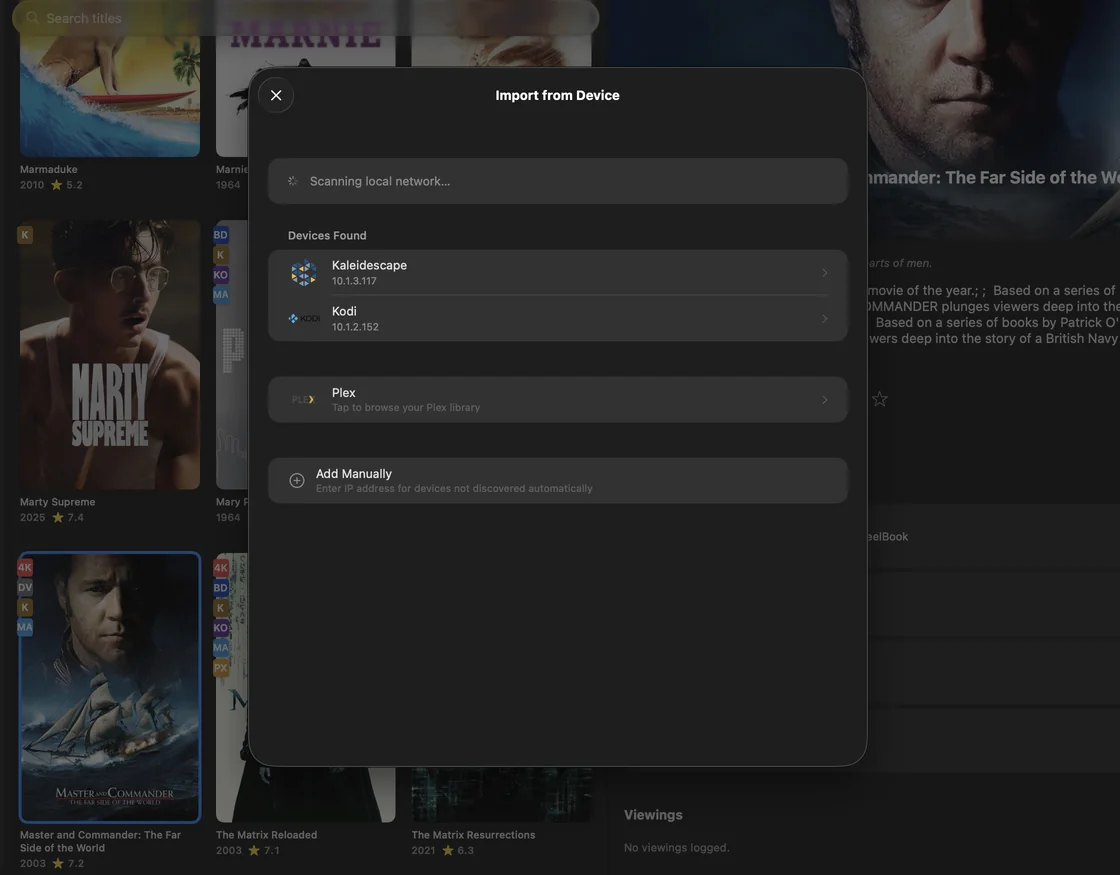
- KKaleidescape
- KOKodi
- PXPlex
The connection stays on your network. FilmVault talks to your servers the way Roomie Remote has talked to home theater equipment for 15 years, and uses local network access only to find and read them.
Media server import is part of the Collector Pack.
Browse it your way.
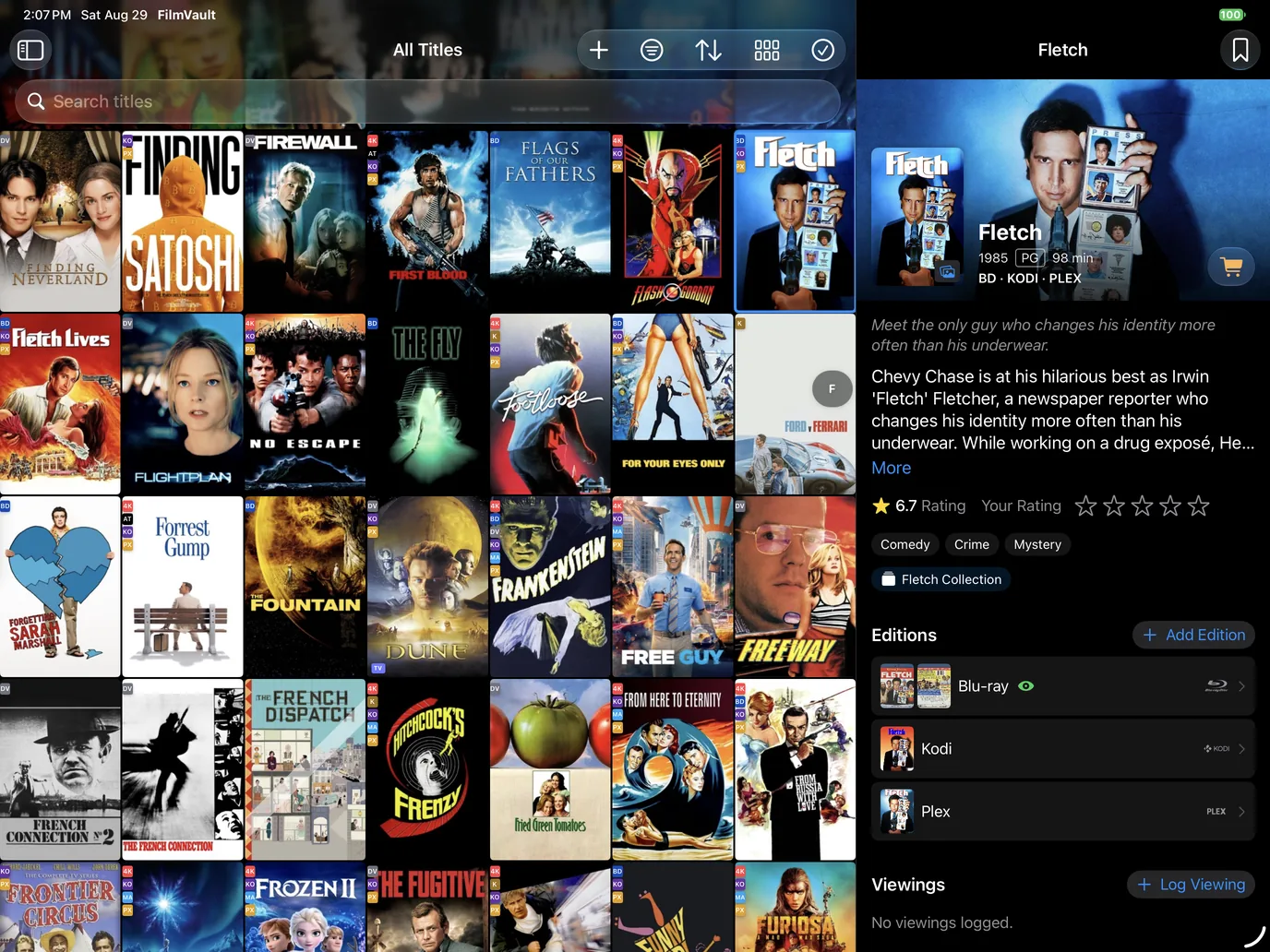
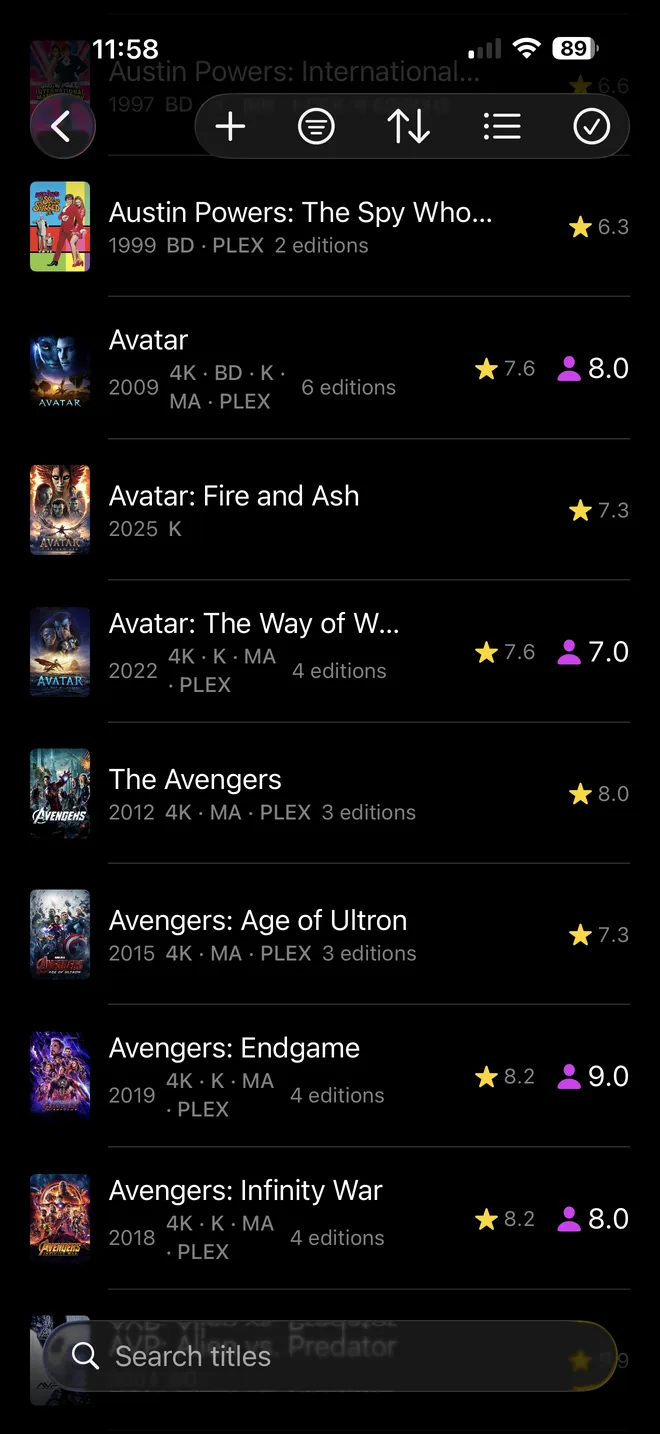
Sort by title, year, rating or date added. Filter by format, service, ownership or whether you’ve watched it. Smart lists keep your Watchlist, Wishlist, Lent Out and On Order titles one tap away.

Grid view, with the detail page for the selected title alongside. Poster size is adjustable, and each card can show format, ratings and watch badges.
The details collectors keep.
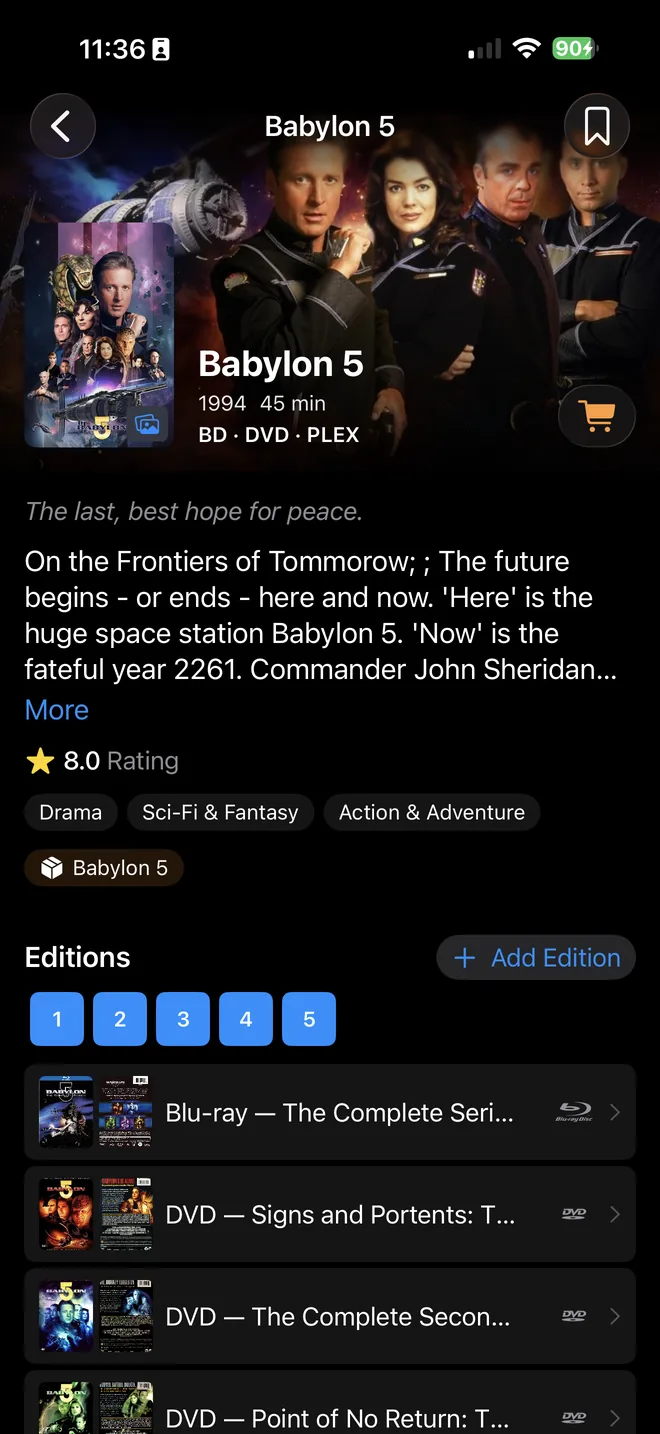
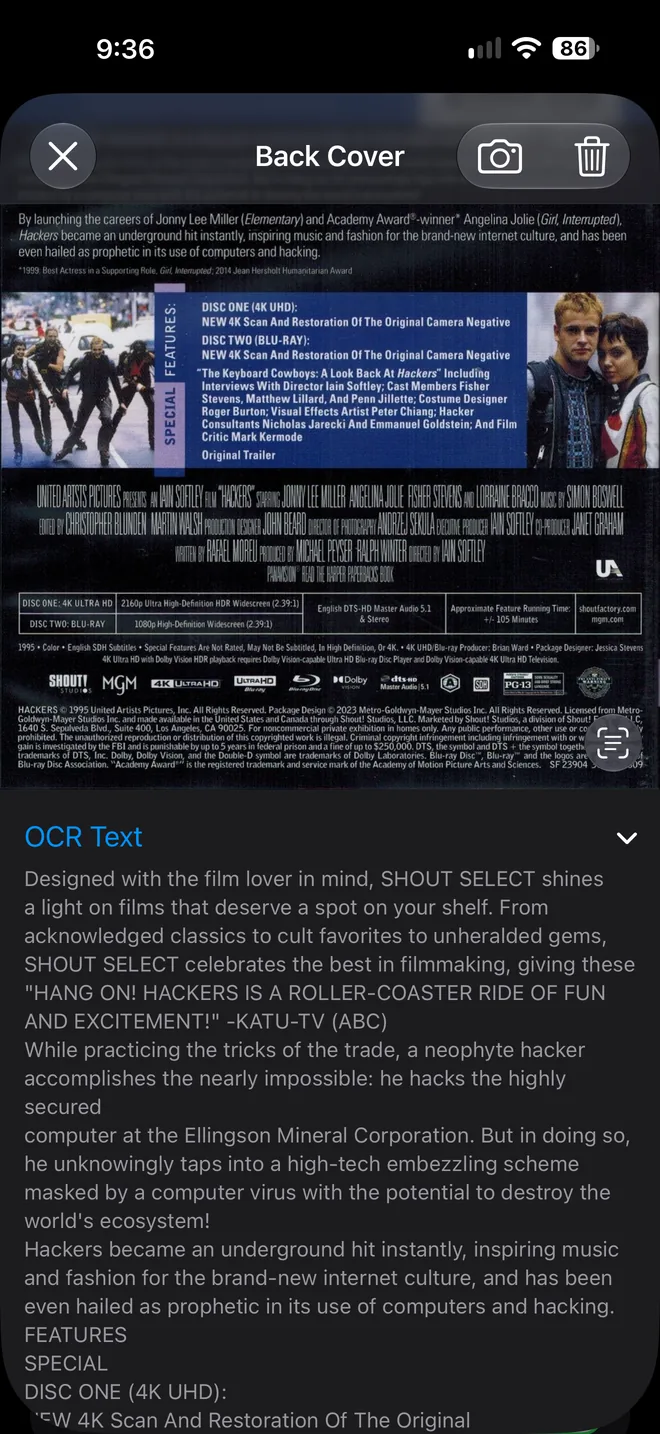
Everything a spreadsheet was never good at: which seasons are missing, what you paid, when you last watched, and what’s printed on the back of the case.
Pay once. Keep it.
Start free with your whole collection. When you want more than 25 editable titles, unlock a pack with a one-time purchase. There’s no subscription.
Free
To get started
$0
- Import and browse a collection of any size
- Full editing for your first 25 titles
- Barcode scanning and back-cover text
- Backup and restore
Starter Pack
For a growing shelf
$9.99 once
- Up to 500 titles
- Sync across iPhone, iPad and Mac
- Everything in Free
Collector Pack
For the whole vault
$19.99 once
- Unlimited titles
- Sync across iPhone, iPad and Mac
- Import from Kaleidescape, Kodi and Plex
- Share your library with up to 5 people
- Everything in Free
US prices; the App Store shows yours in your own currency. Packs are in-app purchases and restore on your other devices signed in to the same Apple Account.
Your collection is nobody else’s business.
Read the privacy policy- No ads, no tracking
- No advertising, analytics or tracking SDKs. Purchases go through Apple’s StoreKit.
- Sign in with Apple, nothing else
- There’s no username or password to create, and Hide My Email works, so we never need to see your real address.
- Backups in your iCloud Drive
- Daily backups land in iCloud Drive ▸ FilmVault ▸ Backups, where you can see and copy them.
- Delete it all from Settings
- Deleting your account in the app removes it and all of its server-side data.
Questions
Which devices does FilmVault run on?
iPhone, iPad and Mac, running iOS 26, iPadOS 26 or macOS 26 or later. It’s one App Store app, so a pack you buy restores on your other devices signed in to the same Apple Account.
Is FilmVault available in my country?
FilmVault is on the App Store in the United States, Canada, the United Kingdom, Ireland, Australia and New Zealand.
Do I need an account?
Yes, but there’s nothing to set up. FilmVault uses Sign in with Apple, so there’s no password to create, and Hide My Email works. Your account keeps your collection in sync across iPhone, iPad and Mac and restores it on a new device.
Can my family use the same collection?
Yes. If you have the Collector Pack, go to Settings ▸ Library Sharing and invite up to five people, each with Full Access or Read Only. They sign in to FilmVault with their own Apple Account and enter your one-time code; they don’t need a pack of their own. This is separate from Apple Family Sharing, and each person keeps their own ratings, viewings and personal collection.
Can I bring my collection over from another app?
Yes. FilmVault imports from My Movies, CLZ Movies, Blu-ray.com, Letterboxd and Apple’s privacy export, and a purchase-history CSV can backfill dates and prices. Matching avoids duplicates, so you can re-import at any time. Importing is unlimited on the free tier.
Does FilmVault play or stream movies?
No. FilmVault catalogs what you own; it doesn’t stream anything. It can read the libraries on your Kaleidescape, Kodi and Plex servers so they appear alongside your discs. To put what’s playing on a poster display in your theater, see Now Showing.
Where is my collection stored?
On your device, mirrored to FilmVault’s servers so your other devices stay current. If you share it, only the people you invite can open it. You can delete your account and all server-side data from Settings. Automatic daily backups go to your own iCloud Drive.
Something else? Email support@filmvault.ai.